This is the LaunchLab USB updater for both sensor profiles. Review available versions and release files before installing.
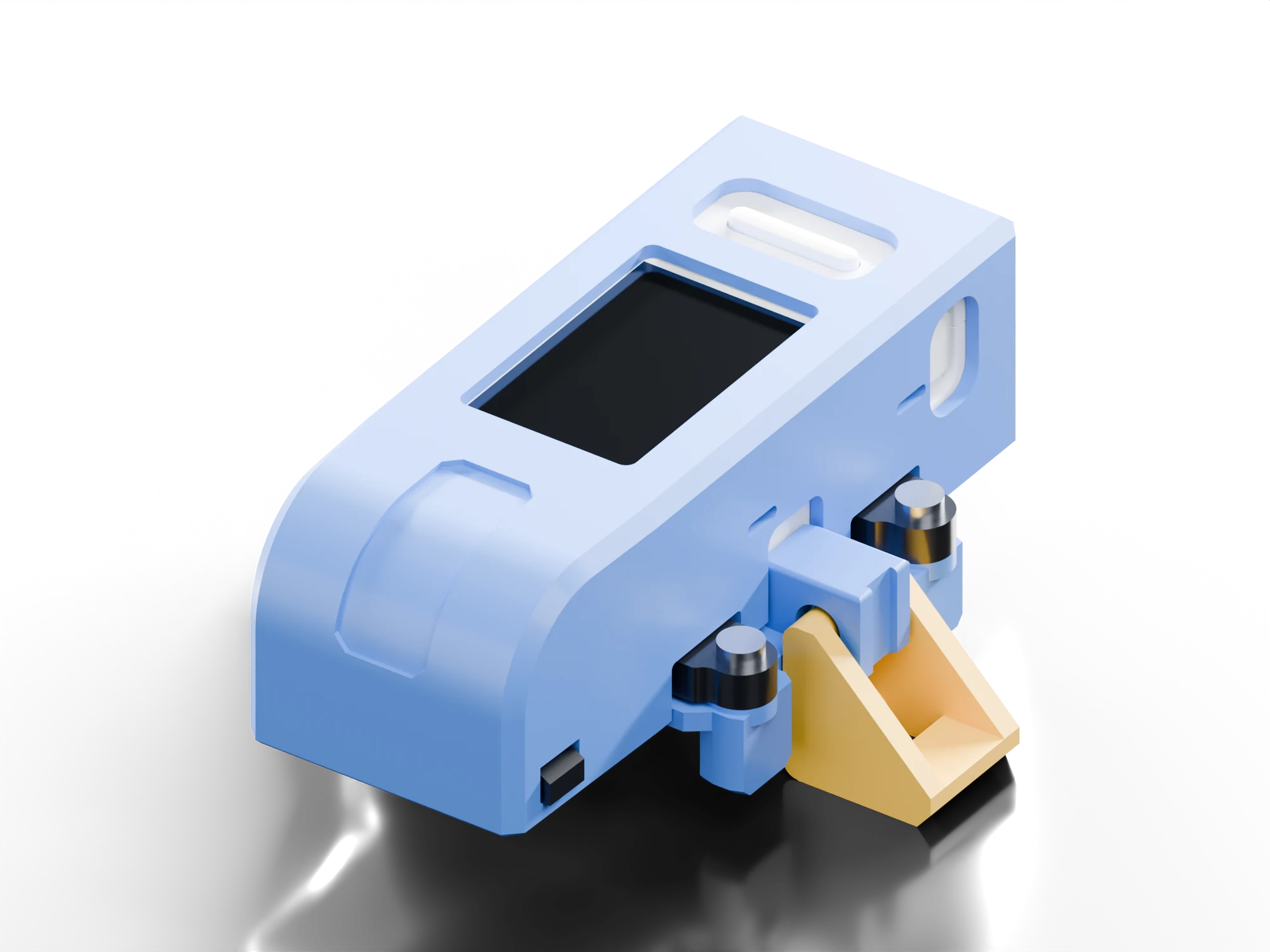
usb updater
LaunchLab Updater
- firmware
- …
- device
- m5stickS3 k150
- sensors
- qre1113 · tcrt5000
Getting the latest firmware…
usb-c data cablechrome or edgegithub
device data
Back up your launches
Save your launch history, personal bests, theme and settings to a file on this computer. Restore it after a crash or onto a new M5StickS3. Works with firmware 0.11 or newer.
What's new
- 0.13.5Pauses optical sampling during stillness and resumes with movement or a button. Refines sleep/wake behavior, filters battery readings and reduces idle display work. Adds saved Top/Sidecar mounting and a guarded Wipe all flow; history, themes, optional sound and both sensor profiles remain supported.
- 0.12.2Corrects the first measurement after an automatic save or acquisition restart, and keeps a valid completed-turn peak when a later startup edge is rejected. Includes the 0.12.1 effects, sound, ten accent colors and display updates. Updates from 0.12.0 or earlier keep the saved Flip switch and rotate the screen 180°. Check sensor connections and solder joints if readings are intermittent.
- 0.11.2High score effect previews in Settings and the editor. B cycles effects, A applies, and hold B cancels.
- 0.11.1Themes, personal-best effects, and USB backup and restore of your launch data.
- 0.10.22Pulls right after an automatic save are measured now. One firmware for both sensors.
- 0.10.14Saves wait for a quiet moment, and launch recaps are steadier.
- 0.10.11Runs at 80 MHz to use less battery.
- 0.10.7Shake to wake from standby.
- 0.10.1Tilt replay after every launch.
Using TCRT5000? On the device, set Settings › Sensor profile › TCRT5000 once. Updates keep it.
Advanced: other versions, repair or first install
Installation log
No USB attempt yet.
Stays on this computer. Remove personal details before sharing.