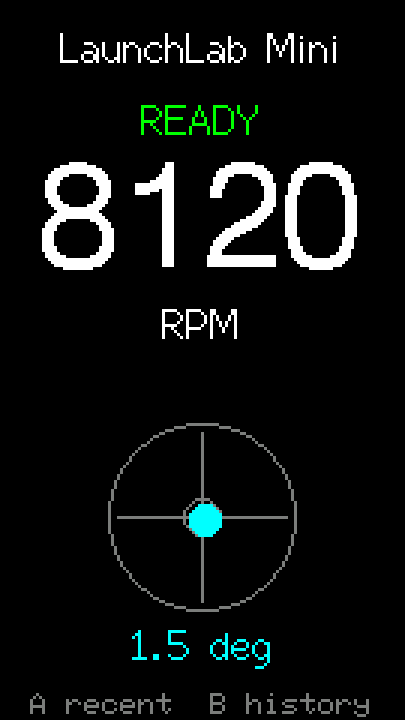
Live RPM + level
Shows peak launcher-shaft RPM and a live tilt level as soon as you pull.
Open-source launch meter for Beyblade X.
Already have one? Update firmware →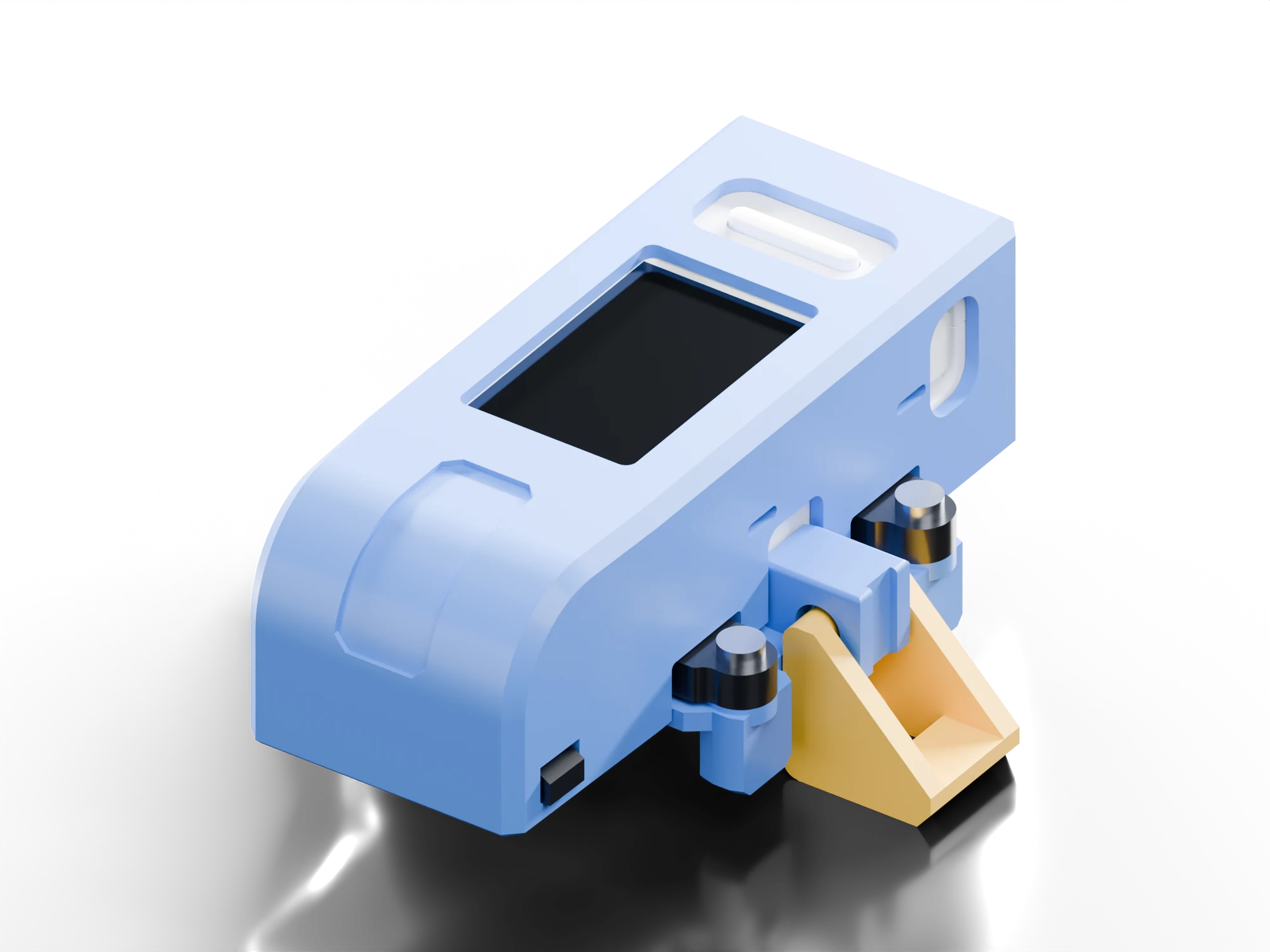
01LaunchLab · Top Mount v19qre1113
Print the matching kit from the included plates.
Connect three leads to the M5.
Snap the printed clamps onto your launcher.
Install the firmware from Chrome or Edge.
On the launcher
On the device
Shows peak launcher-shaft RPM and a live tilt level as soon as you pull.
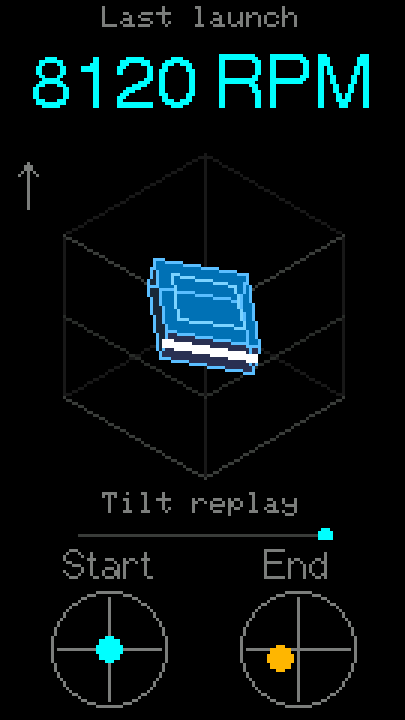
Replays your launcher’s tilt and marks where each pull started and ended.
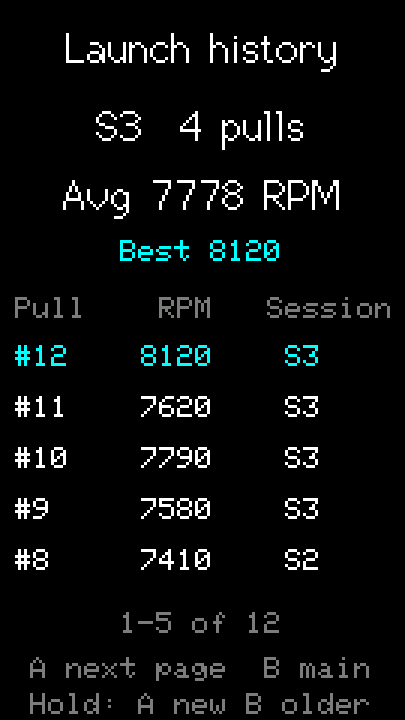
Lists recent pulls by session, with your averages and best.
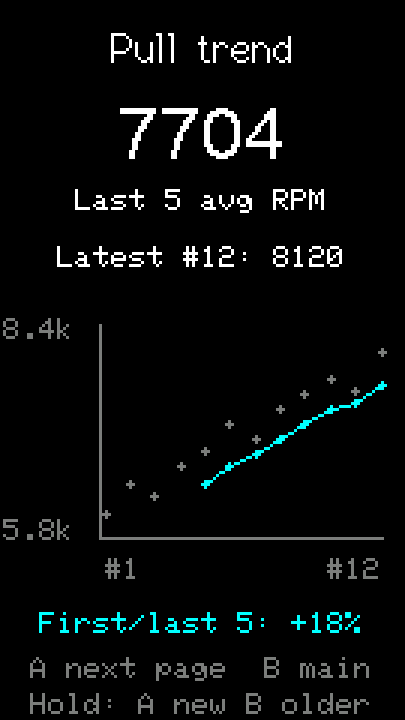
Shows a run of pulls with the rolling average.
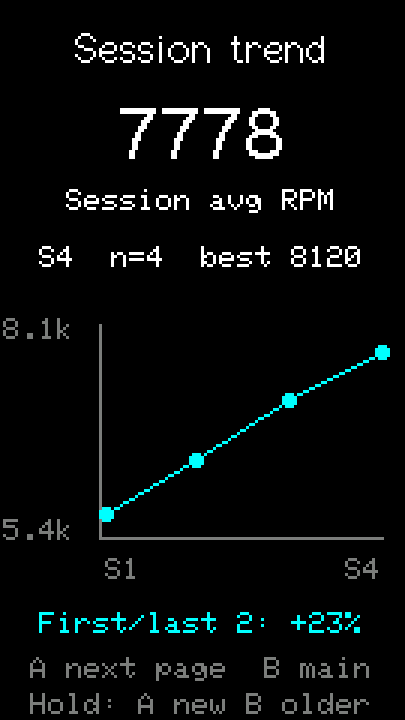
Compare practice sessions over time.
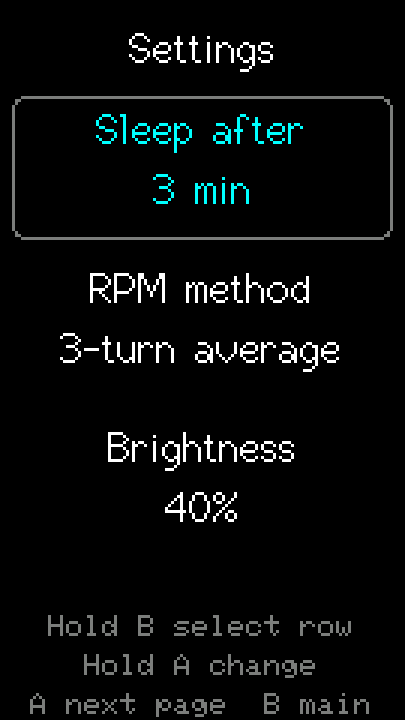
Adjust sleep, RPM method and brightness on the device.
Native renders from firmware 0.10.14 with synthetic example data; later releases may look different. RPM is measured at the launcher shaft, not on the Beyblade.
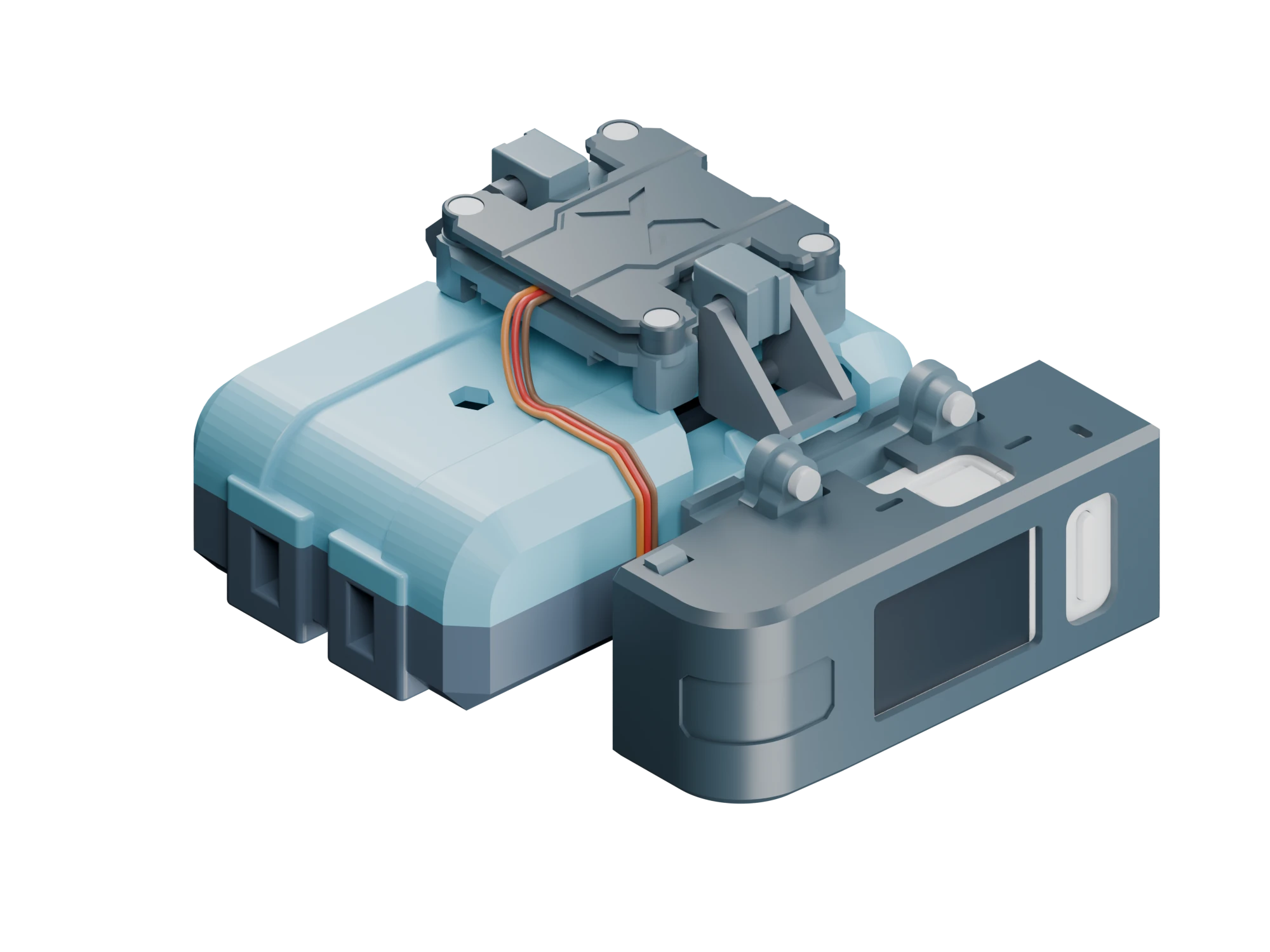
Take it apart
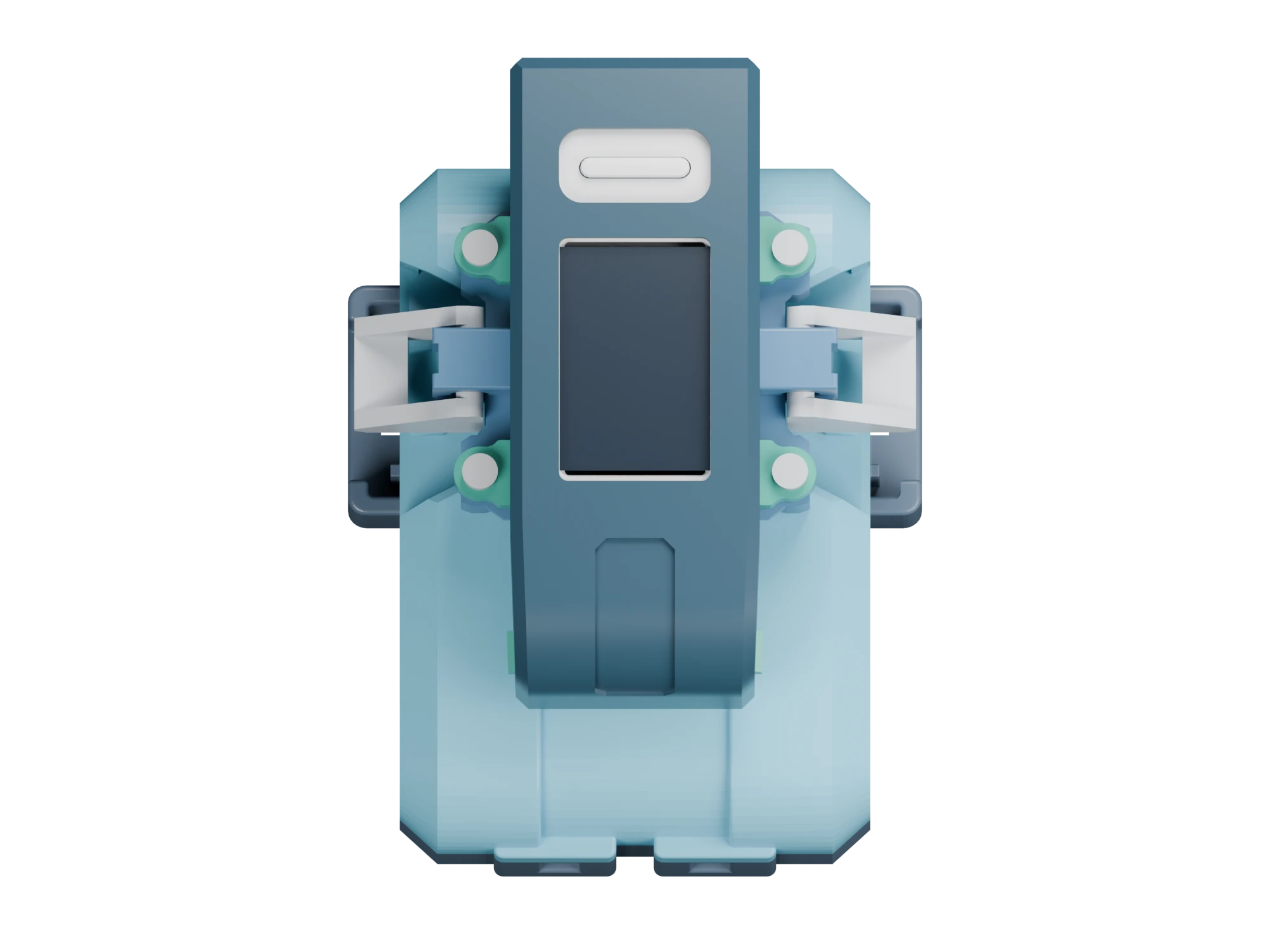
Two mounting styles: Top Mount and Sidecar for different grip styles.
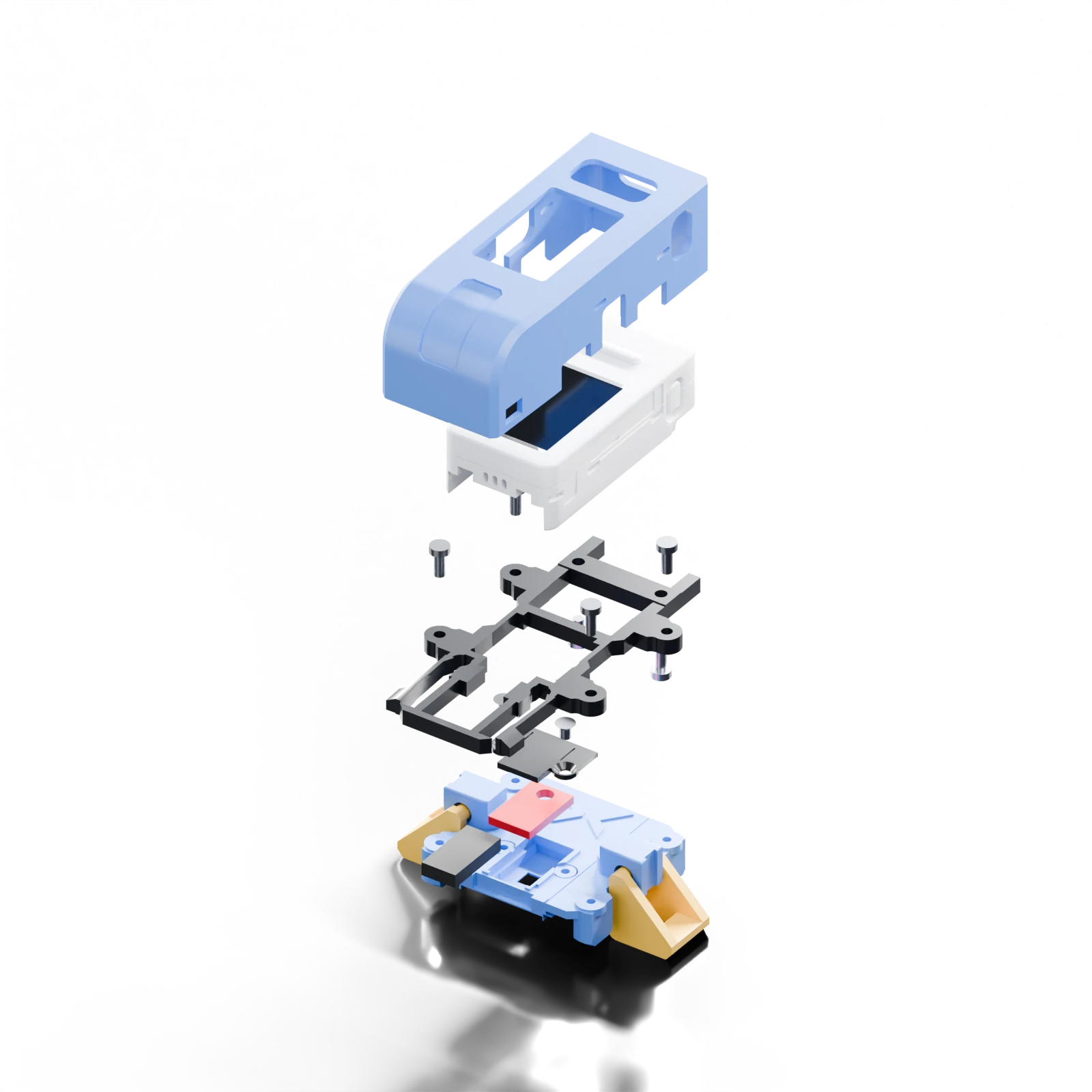
LaunchLab · Top Mount v19 · CAD render
Models
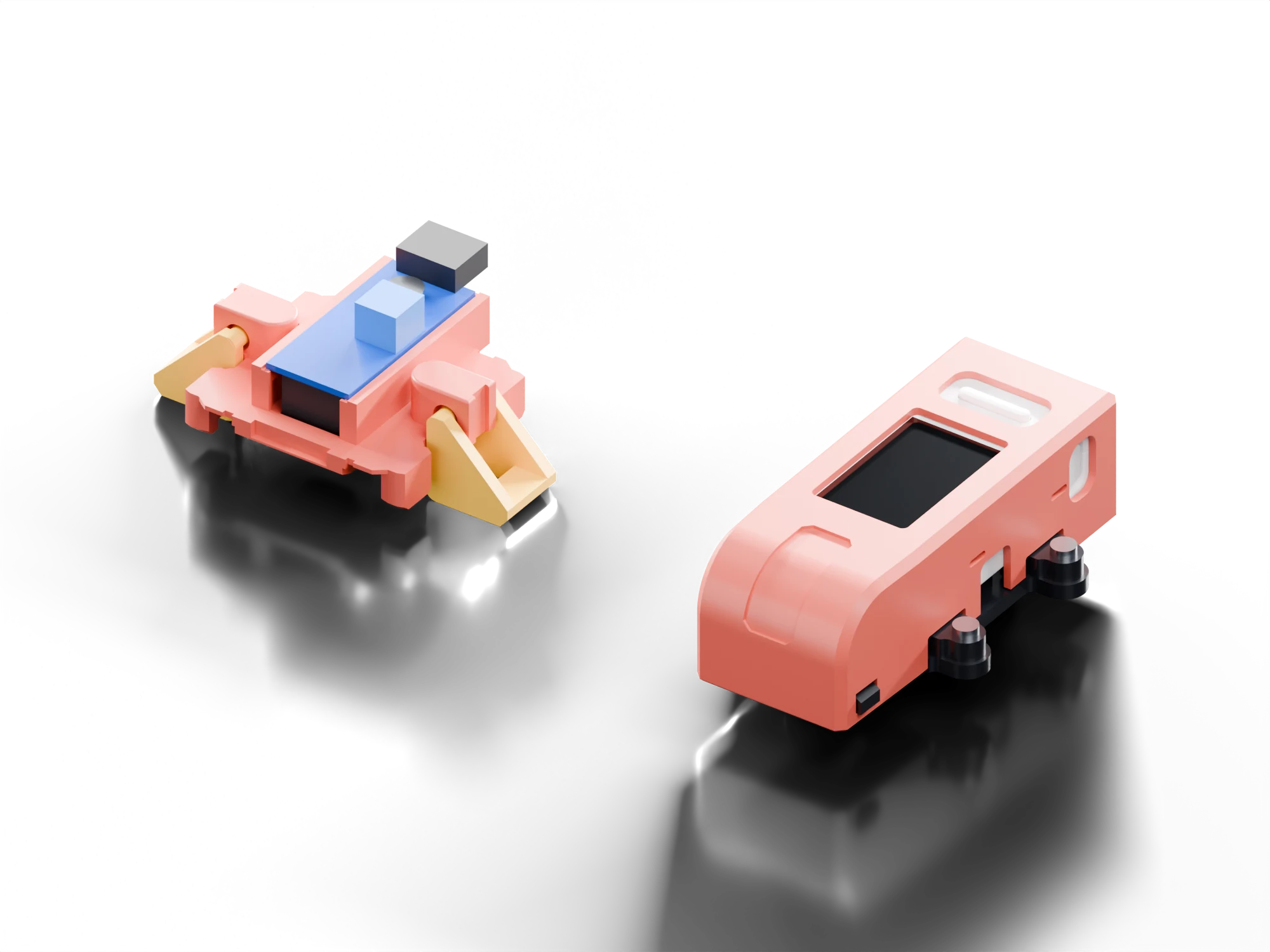
Analog TCRT5000 / LM393
DIYyou buy the parts
Only compatible with the Sidecar form factor.
Analog SparkFun QRE1113
DIY or $79.99assembled · + $7.99 USD shipping
Compatible with Top Mount and Sidecar form factors.
Assembled and flashed LaunchLab. USB data cable, launcher and Beyblade are not included.
Join the next-batch waitlist →Ordering stays closed while sales-tax setup and the remaining order details are finalized.
Dates are tentative and depend on parts arriving. Estimated dispatch is when units would ship, not when they would arrive.
30-day return period. Cancellation and return-shipping terms will be published before ordering opens. The assembled mount and final box contents will be listed before ordering opens.
One unit per order; every address is reviewed by hand. Batch 1 is limited to 10 units. Join the next-batch waitlist: no payment, no reservation, no promised date. The TCRT5000 design is free to build and is not sold assembled.
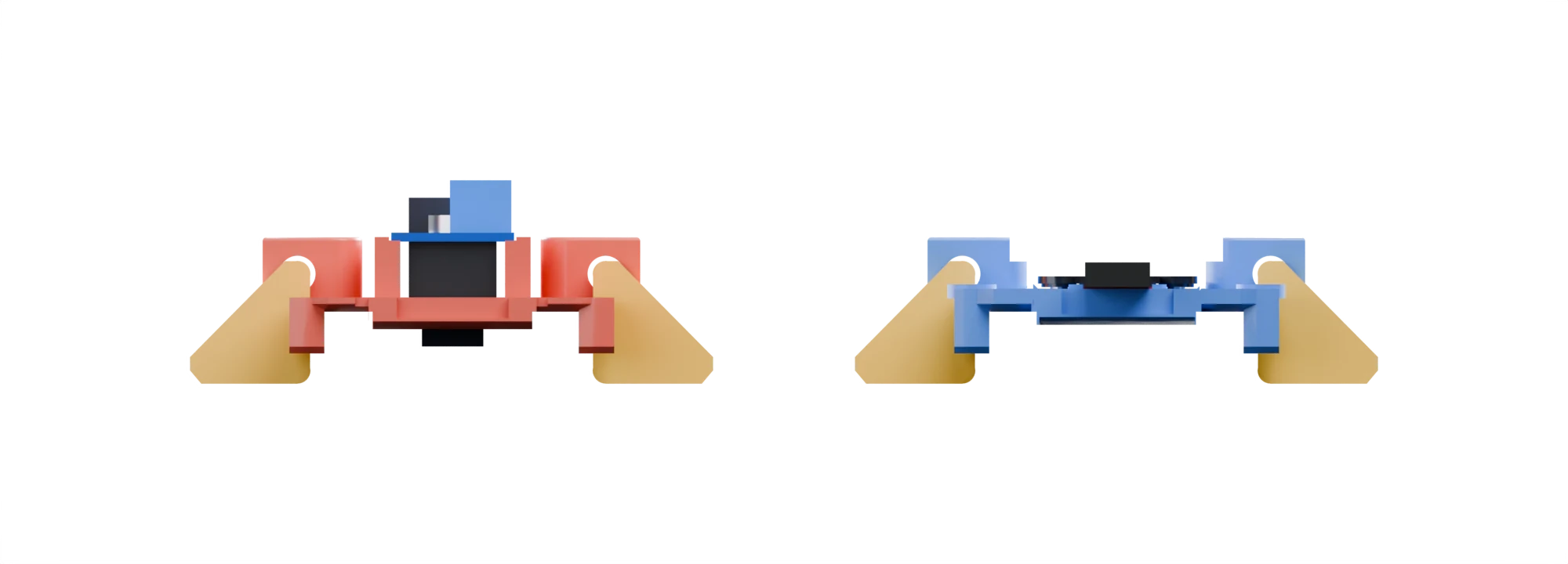 TCRT5000LaunchLab · QRE1113
| Feature | TCRT5000 | QRE1113 |
|---|---|---|
| Sensor | TCRT5000 module, board on top | QRE1113, inside the base |
| Form factor | Sidecar v7 | Top Mount v19, or Sidecar v7 |
| RPM, tilt, history, trends | Same | Same |
| Get it | DIY | DIY or $79.99 assembled · Batch 1 |
| Printed parts | TCRT sensor attachment + Sidecar mount | 4-unit Top Mount kit or 6-unit Sidecar kit |
| Wires | 3 × 8 cm male-to-female | 3 × 8 cm male-to-female |
Side view at the same scale, nominal CAD heights including the launcher clamps.
Open hardware, open firmware
Parts and supplies for each build.
Parts list →Plates for Bambu and Prusa, plus STL and STEP.
Downloads →A step-by-step guide for each model.
Build guide →Install over USB from desktop Chrome or Edge.
USB updater →community
Get help with your build and share your custom builds.
discordbeywatch
Peak launcher-shaft RPM from an analog optical sensor, plus gravity-relative tilt from the M5’s IMU. Its RPM has been compared with a laser tachometer reading the spinning Beyblade; that is a comparison, not a calibration of the launcher-shaft measurement, so use readings to compare your own pulls. It does not measure Beyblade release RPM, blade spin, force, torque, travel distance or heading. Launches below 1,000 RPM are ignored.
The print-in-place clamps attach removably to Beyblade X string launchers. Check that they hold firmly, the sensor has a clear view and nothing rubs on your launcher. I have only tested it on one launcher so far.
The assembled LaunchLab is built and working, but which mount assembled units ship with isn’t decided yet. Current Top Mount v19, Sidecar v7 and TCRT v102 files have passed CAD and slicing checks; their revised fit and retention still need a physical test. Test-fit your prints on your own launcher. Images on this page are CAD renders.
Original software, firmware tooling and site code are MIT. Read the license and source notices supplied with each printed-part package. See downloads.